Illustrative AI workflowReconstruct


Artwork Rebuilder
Rescue low-resolution customer artwork at the required print size.
Open toolGarment-aware DTF preparation
Less unnecessary colour. Less unnecessary white. More garment showing through. Prepare a lighter DTF file without Photoshop.
Your preview is processed in your browser. PNG, JPEG or WebP · up to 18 MB. Preview only; production export requires purchase.
A screen preview, not a printed result. Feel and adhesion require a physical test.
Softness goal
Garment
Inspect
This is a quick browser tester with limited controls.
It runs four fixed presets on a reduced-size copy of your file. Full SofterDTF access opens the studio, where you set the values yourself: knockout tolerance and softness, screen ruling, angle and dot shape, choke, white coverage and the dark-area adhesion minimum, SoftMesh opening size, your own saved presets, marked fine-text areas, zoom-in dot inspection and full-resolution export.
Choose your own artwork to see a personal result before buying. Open the editor
From file to press
Bring your approved artwork, including transparent PNGs.
Pick the garment and a softness goal; inspect colour and white live.
Download the CMYK TIFF with its screened spot_1 white channel.
Production proof · footage not available yet
This space is reserved for real production footage. No stock demonstrations and no borrowed results.
Filming in progress
Video proof coming from our pressroom
This space is reserved for the real production job. We will not replace it with a stock or simulated demonstration.
Selected story
A real screen recording and physical print close-ups are still needed. Planned footage will show garment knockout, SoftMesh openings and the adaptive white plate through to a printed shirt.
Real footage will appear here once filming and captions are complete.
The difference is underneath
Smart White starts from the choked printable artwork. Light colours keep a strong base; midtones step down; dark print gets a screened adhesion minimum. The white plate stays inside the art and contains only black-or-white dots, not grey ink instructions.
Use the White base view in the live demo above to compare it with a full-coverage plate. The displayed percentage measures the final file, not ink savings. Check adhesion, opacity and wash results on your own printer and garment.
WHITE DEMAND / PRINTED COLOUR
Intelligent text protection
SofterDTF recognises small raster lettering shapes and leaves their printable strokes solid instead of breaking them with SoftMesh openings. The white beneath stays in place. Preview protected areas and mark any lettering the automatic check misses; check the file at its final print size.
Also in your workspace
Rescue low-resolution customer artwork at the required print size.
Open tool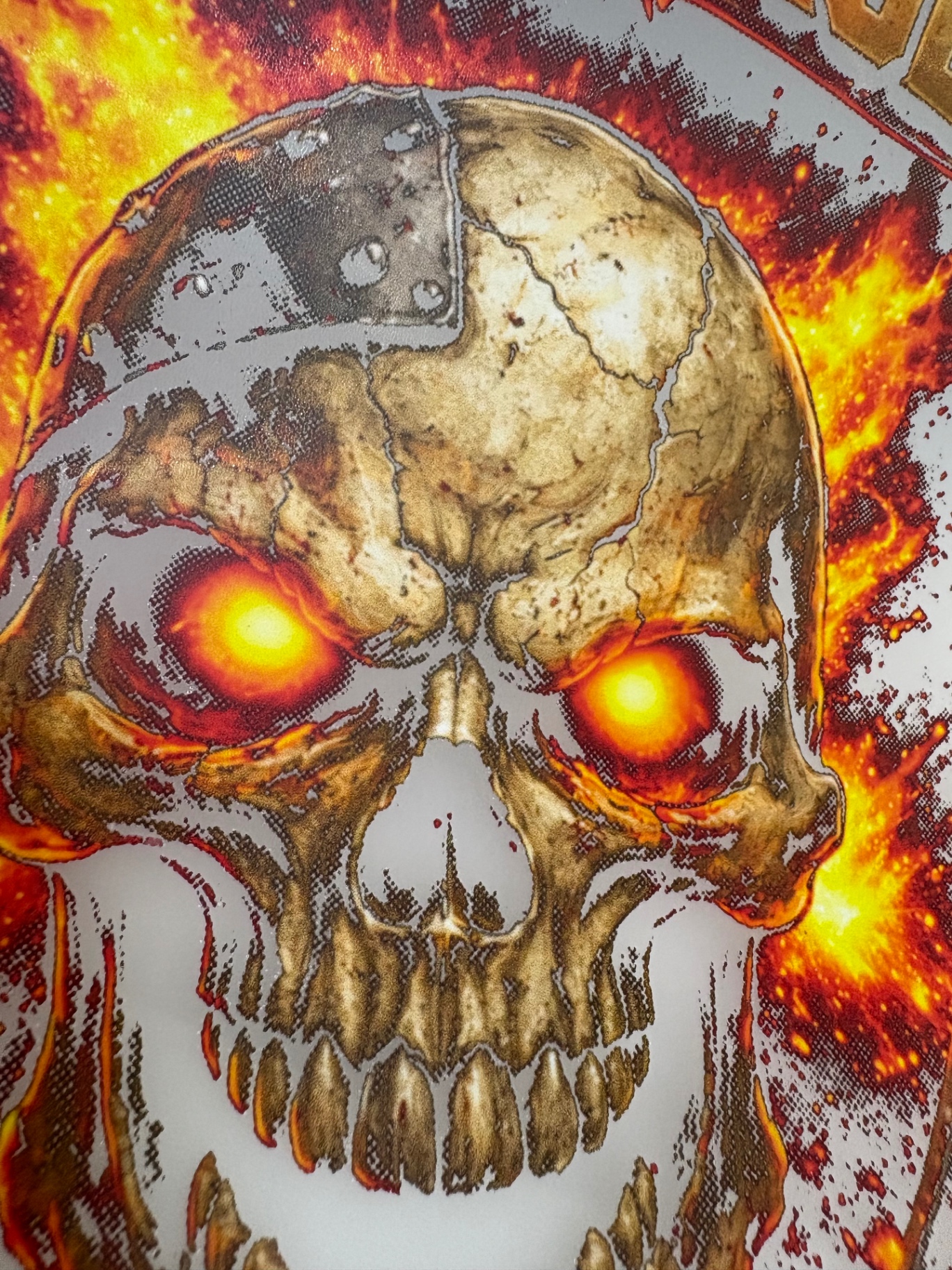 Transfer — black knocked out for a black garment
Keep tonal transitions printable alongside garment knockout.
Open tool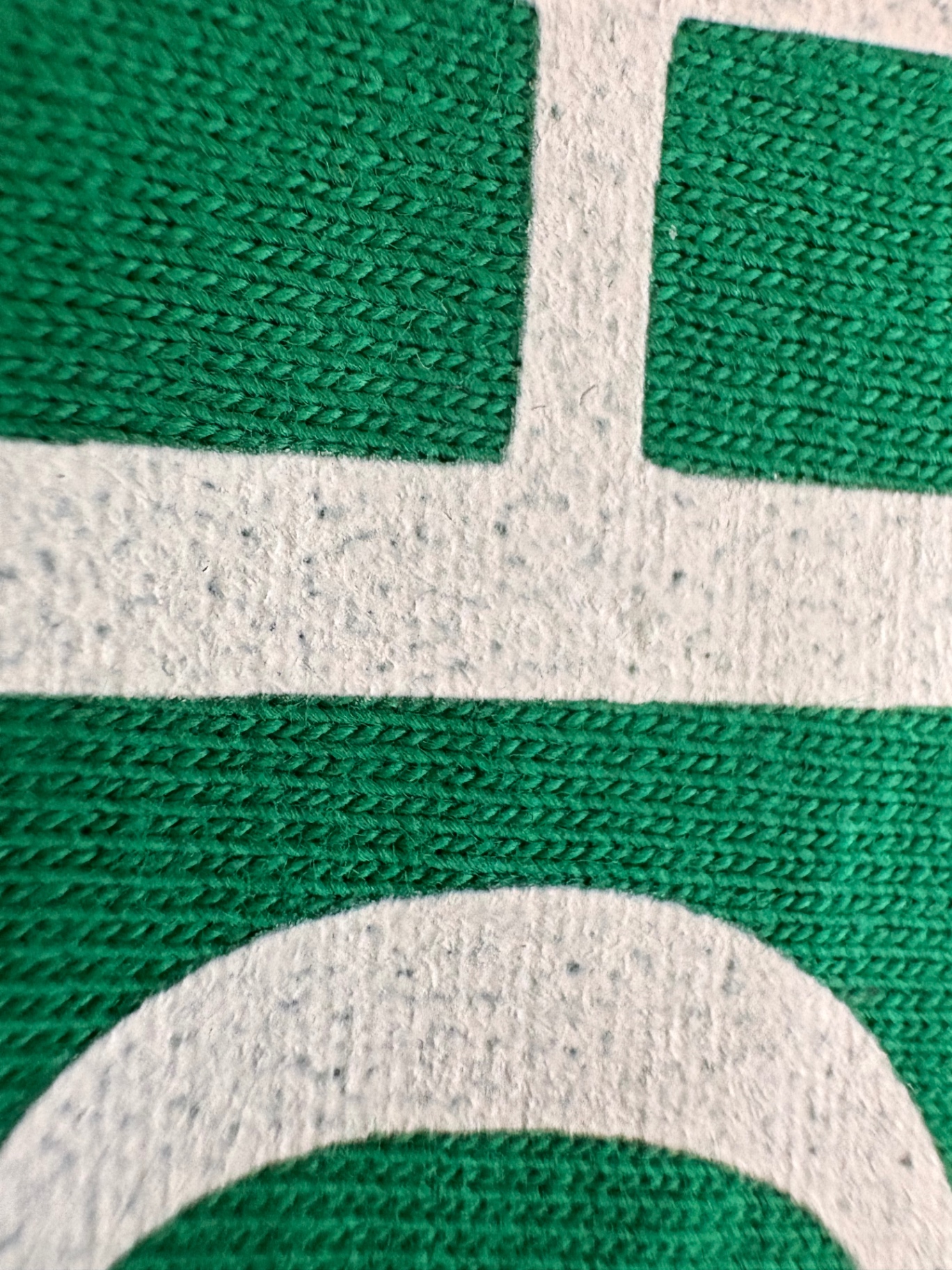 Printed transfer — openings inside solid white areas
Keep transparent colour and a separate spot_1 white channel in one CMYK TIFF.
Open toolSimple access
Try the file and white plate before choosing. Knockout, Smart White, SoftMesh, halftoning and Fine Text Protection are included with SofterDTF access. No AI credits are charged for these tools.
€5 once
One source artwork and one saved set of settings. Re-download the same job without another pass.
Optional Artwork Rebuilder uses AI credits, quoted before processing. Not included with a one-job pass.
Choose one job access€79/year
All SofterDTF optimisation tools included — no per-job credits.
Optional Artwork Rebuilder uses AI credits, quoted before processing. No AI credits are needed for the core tools.
Choose annual access€199 once
Lifetime access to SofterDTF optimisation tools. No per-job credits.
Optional Artwork Rebuilder uses AI credits, quoted before processing. Lifetime access does not include unlimited AI credits.
Choose lifetime accessAI credits are only used when you choose an AI-powered feature such as Artwork Rebuilder. Unlimited normal use excludes automated, API or bulk use. Separate credit purchases are not yet configured. Test physical print performance on your printer and garment.
Prepare the next artwork with SofterDTF.